A day inside
Five screens, one calm loop.
Plan, focus, repeat, review. Five real screens from the shipped app — scroll and they stack.
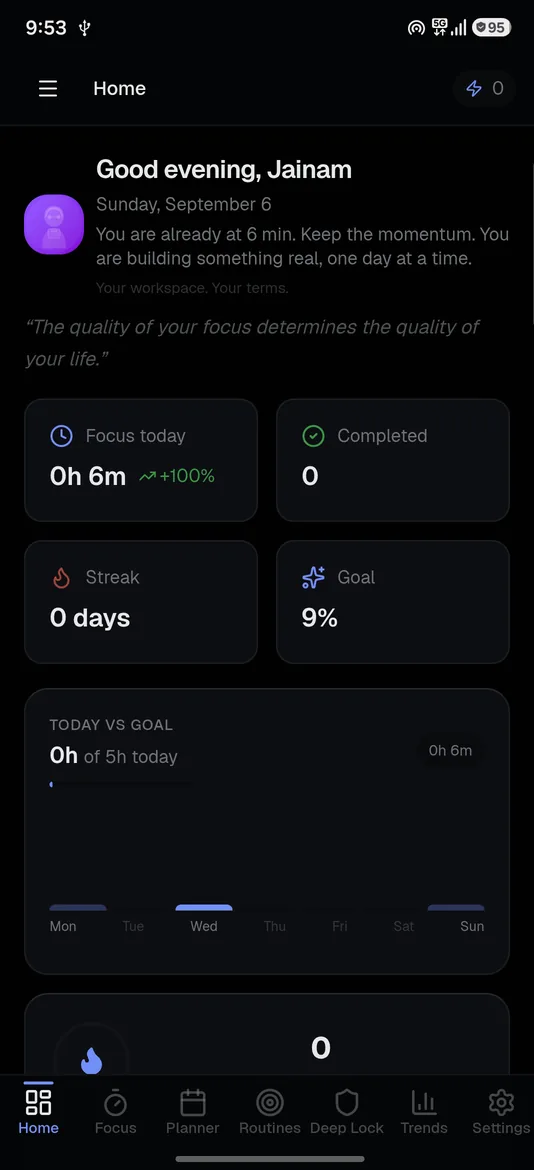
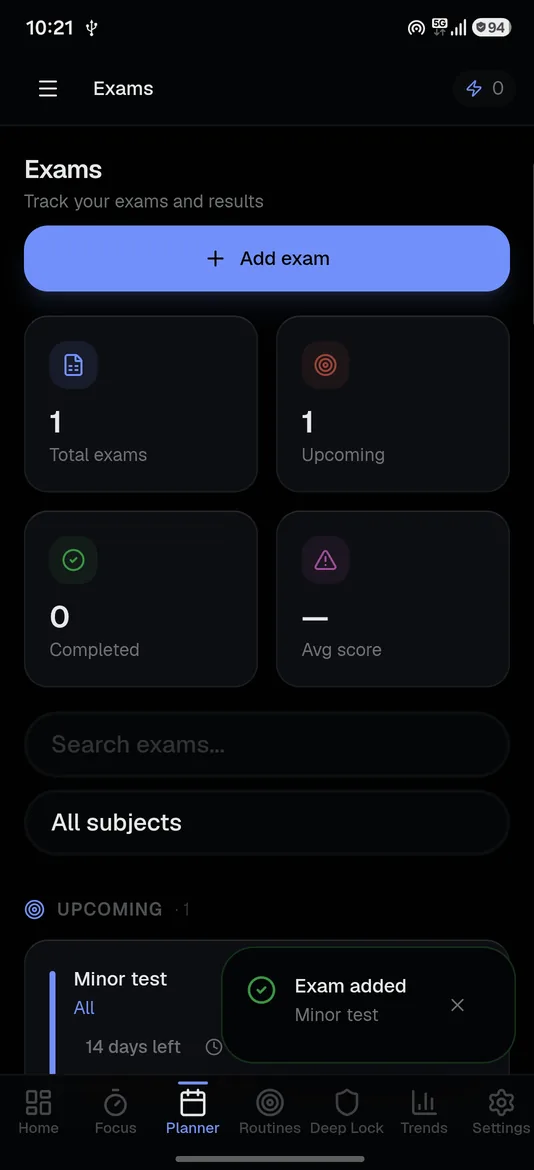
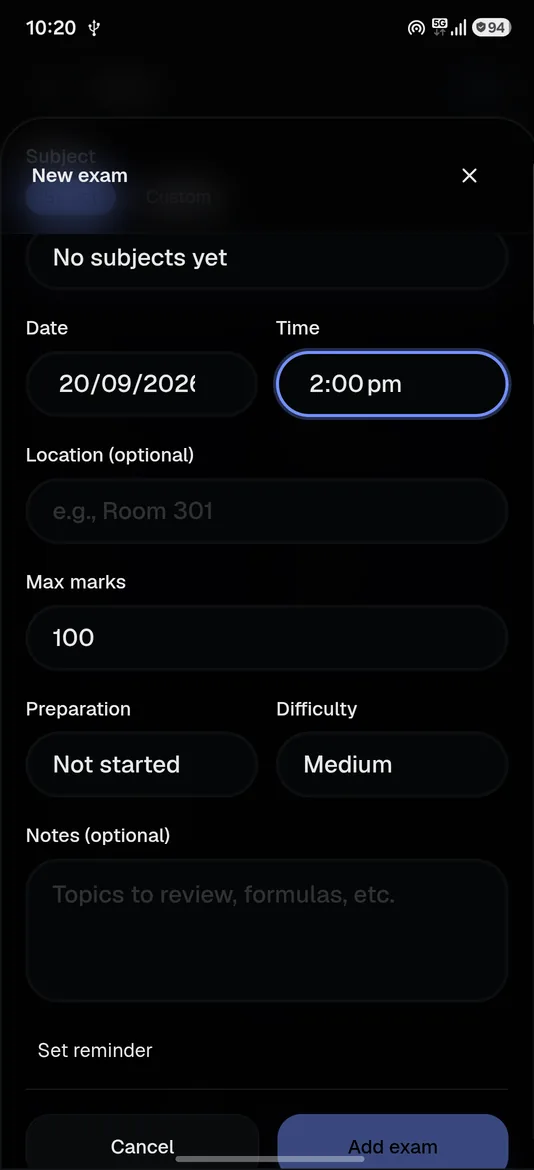
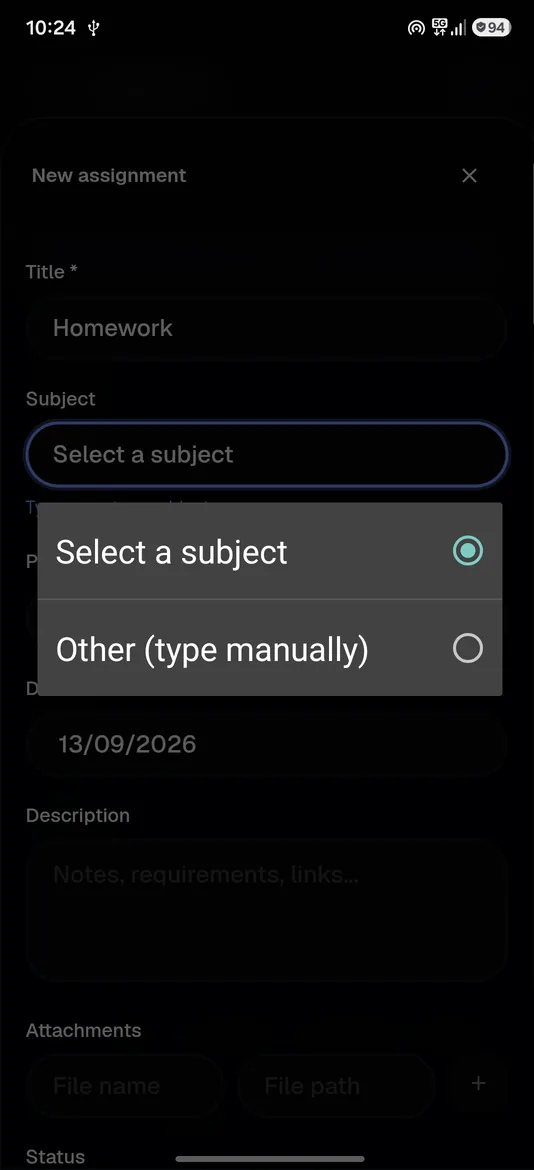
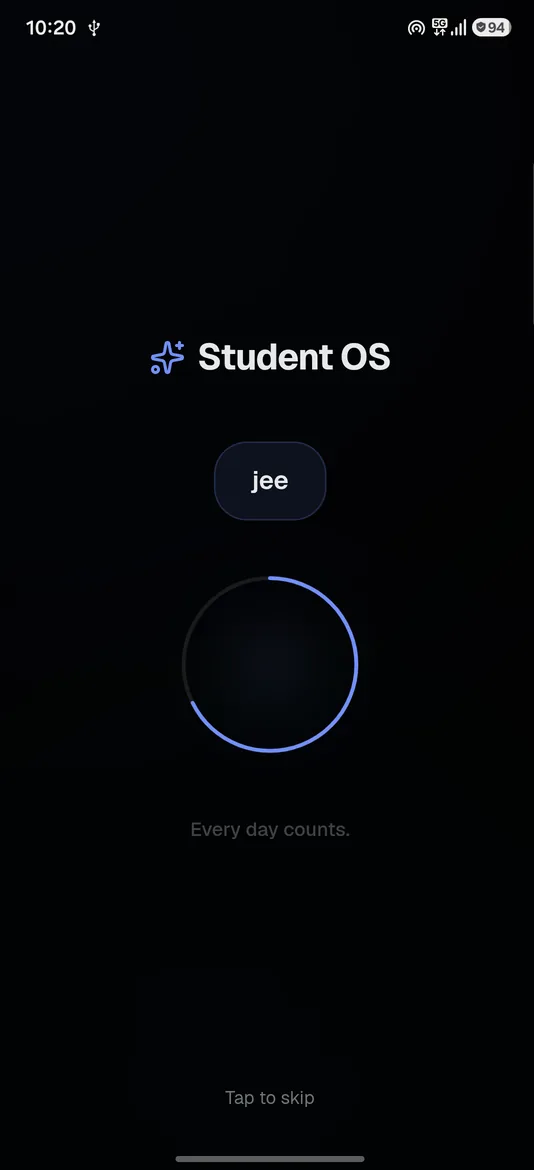
Plan your day, lock in, keep the streak — one private app, zero signup. Free on Android and iPhone. No account, no ads.
Five Android screens from the shipped app, in the order you'd use them. Scroll to stack them up.
One home screen
FocusTasksPlannerPrivacyPlanner, focus timer, tasks, routines, insights, screen time, privacy — seven modules, one quiet place.
All modules
Hover a module — or tap it on your phone — to see where it fits. Same app, same data. No account, no ads, nothing to sync.
Focus01
Tasks02
Routines 21d
4 / 6
shown up today
Habits03
Planner04
This week ↑ 38%
6h 20m
focus time
Analytics05
Privacy06
Seven modules · one app · no account
Classes, exams, self-study — juggling all three? Here's one calm place to run it.
Plan My Day in the morning. Drag tasks around when the day goes sideways. Miss a session? It suggests how to catch up. Sleep settings keep the schedule real.
Pick a 30–120 minute block and go. Deep Lock is optional — choose the apps that break your focus, and they stay blocked until the timer stops.
Morning study, exercise, review notes. Check them off daily. Watch the streak climb.
Focus, breaks, planning, idle — every minute accounted for. No guessing where the afternoon went.
Weekly study time, subject split, screen-time breakdown, and the days you slip — so next week's plan starts from what actually happened.
A day inside
Plan, focus, repeat, review. Five real screens from the shipped app — scroll and they stack.
Showreel
23 seconds. Five screens, straight from the shipped app. Too busy to scroll? Press play.
Open the app. Start. There's nothing to sign up for.
Nothing competes for your attention while you study.
Your habits aren't sold or shared.
Plans, routines and focus history stay on your device.
Index
Seven pages, one workspace. Hover a word — or tap it on your phone — to jump straight in.